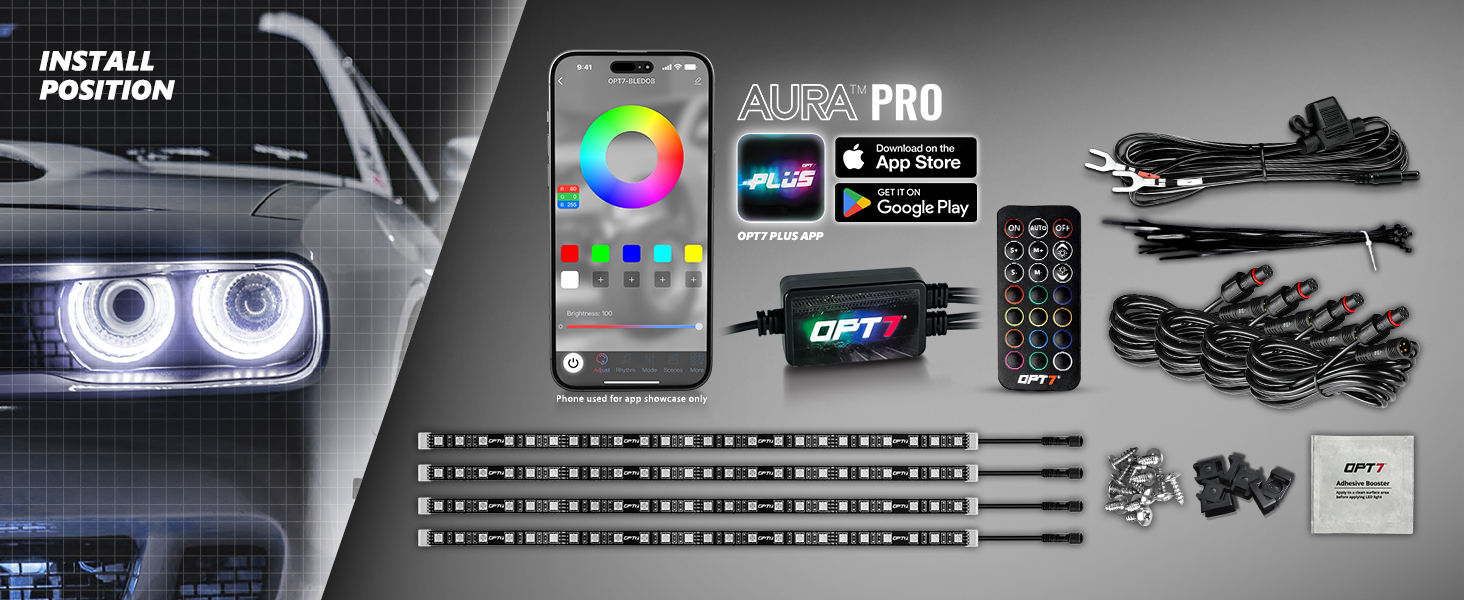
AURA PRO™ Halo DRL LED Light Kit Includes:
- 1 x OPT7 PLUS Control Box
- 1 x 21-Key Handheld Remote
- 4 x 12" Single Row LED Strip with Adhesive Back
- 4 x 10ft Extension Wire
- 1 x 10ft Inline Fuse Hardwire Power Harness
- 1 x Pack of Mounting Kit and Zip Ties
|
Vibrant Halo Light Show
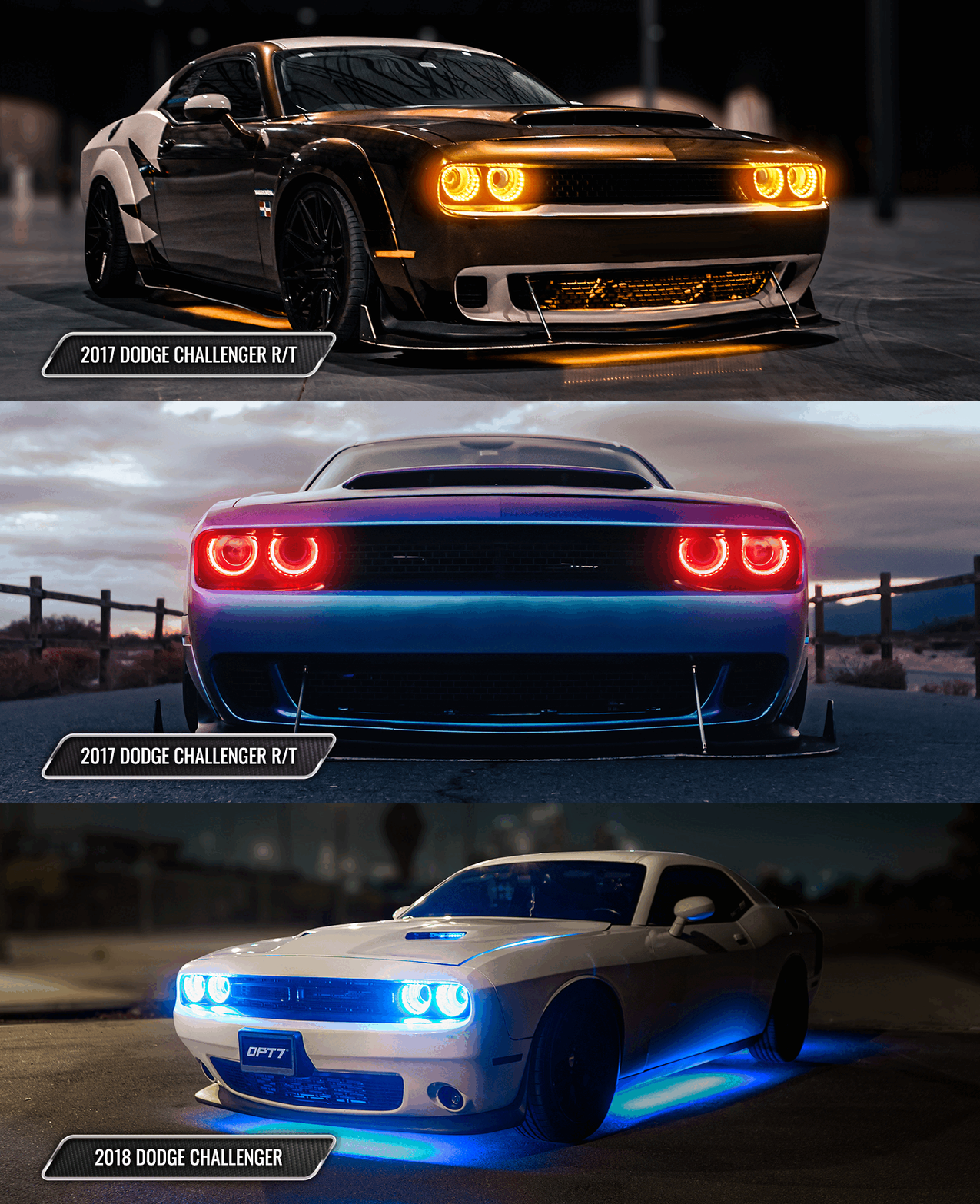
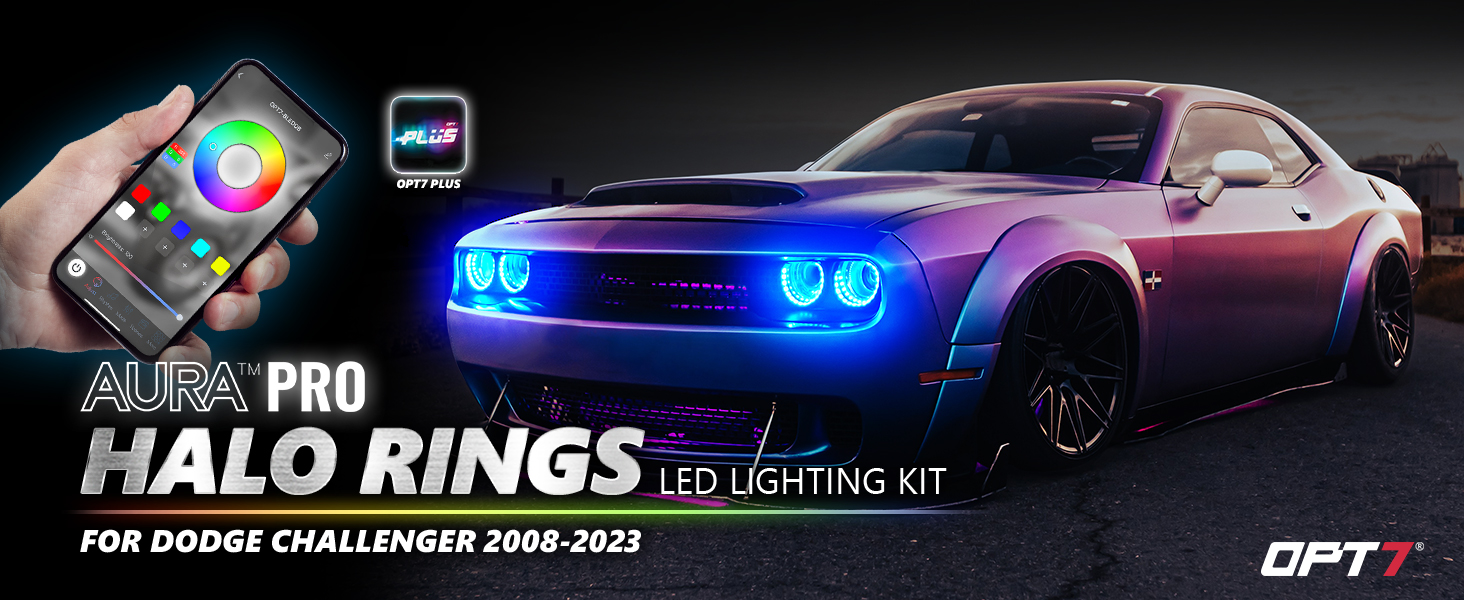
Transform your Dodge Challenger into a showstopper with unlimited lighting effects! Whether you're going for a chill blue halo or a fierce red demon eye, take full control with the OPT7 PLUS App.
Designed for GT, Demon, SRT Hellcat, and R/T Challengers, this upgrade guarantees your ride makes a bold statement in both style and performance.
These kits DO NOT require a disassembly of your OEM headlights as they mount around the existing OEM housing for easy Plug & Play.
Easy & Secure Installation
Effortlessly set up your Halo LED lights like a breeze! Each set includes mounting brackets and zip ties, ensuring secure installation and stability. With tested inline fuse 12v direct power battery harness, you don't ever need to worry about an overdrawn-on voltage! Optional: Grab the OPT7 AURA Universal Fuse Tap Adapter Set (Click Here) for customized installation.
Dual Control
Control your lights your way—with the OPT7 PLUS APP or the included 21-key remote.
- 21-Key Handheld Remote: Make quick adjustments without your phone. Instantly switch between 12 color options, 24 dynamic lighting modes, and 10 speed & brightness levels.
- OPT7 PLUS APP: Connect via Bluetooth for advanced lighting control right from your smartphone. Explore dynamic animations, endless color options, smooth fades, strobe effects, music sync, and customizable lighting settings.
OPT7 PLUS - Supreme & Dominant APP
Designed and developed in-house, the OPT7 PLUS APP puts advanced lighting customization right at your fingertips. With an intuitive interface and ongoing feature enhancements, you can easily create and control the look of your ride.
- Unlimited Color Choices: includes brightness dimming selections and light speed
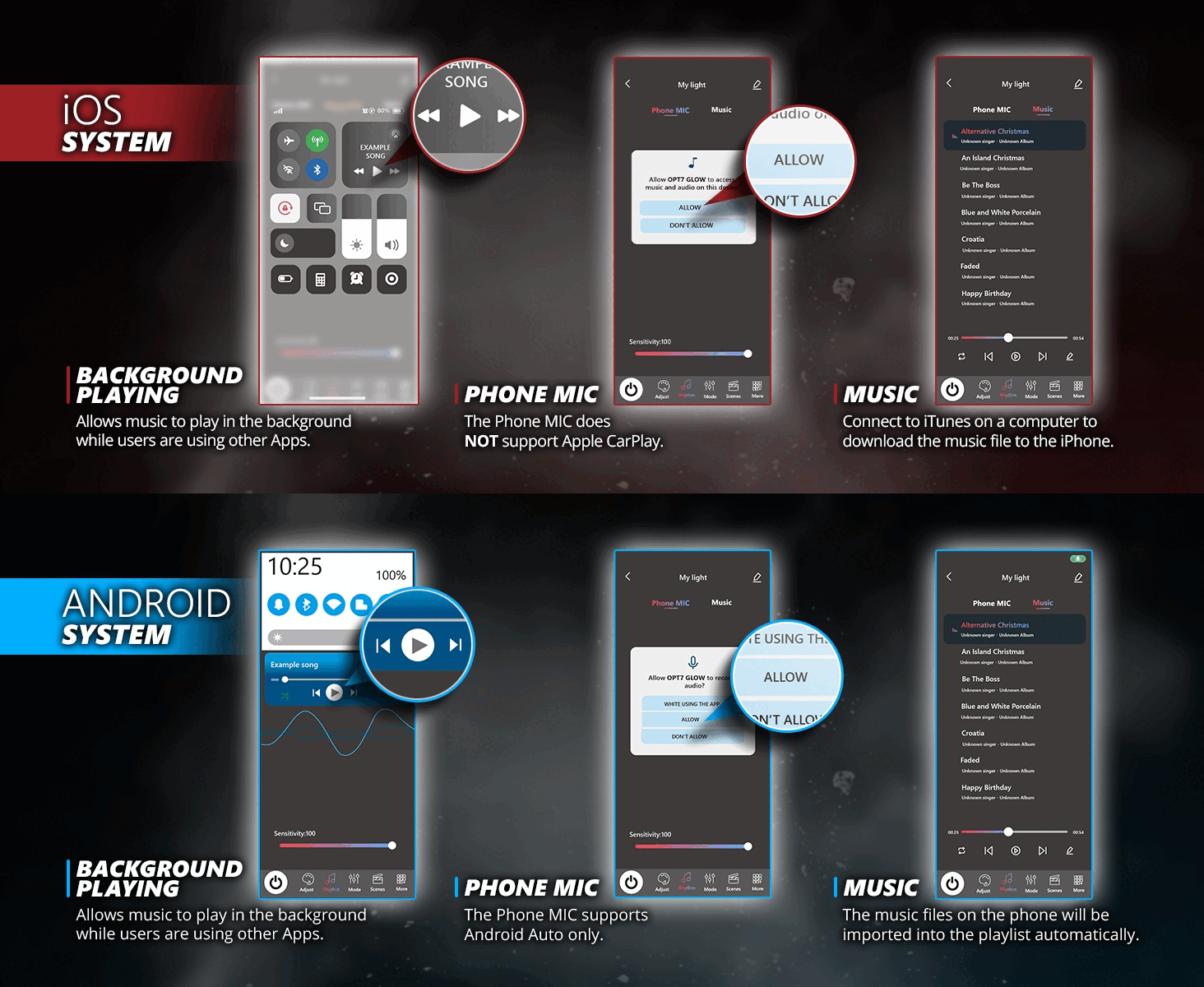
- Music Rhythm Modes: Supports Phone MIC (Android Auto) and Music Playlists. Refer to the user guide for details
- Light Effect Animations: Animated effects allow you to effortlessly design your own light show
- Multi-Kit Sync: Control up to 4 OPT7 PLUS kits from one APP for a unified lighting experience.
- Dual Control Ready: Control your lights with the APP or the E-Z remote.
- Easy Setup: Download available for iOS 7.0+ and Android 4.3+.
- Quick Start: Scan the QR code on the package for app download and installation guides.
E-Z Programming.
Once installed, easily select the color and pattern you want with one feature-rich E-Z Remote.
- 12 Color Selections
- 24 Lighting Modes
- 10 Speed Levels
- 10 Brightness Levels
Need More Length for Customized Installation? Search:
Waterproof Connectors are here to stay!
Get OPT7's AURA PRO™ Dodge Halo game-changing lighting system that installs in minutes and lasts for years to come!
Automotive Adhesive Tape
Our premium strip kit features strong, high-quality binding tape.
Tips on Applying Adhesive LED Strips Securely:
1. To prep the area you wish to mount the LED strip, dampen a clean cloth in warm water, then scrub the surface to remove debris. Any grime left behind could prevent the LED strip from sticking, so thoroughly clean the surface until it’s free of dirt and scuff marks.
2. Remove any moisture left over with a clean, dry cloth or give the surface 30 minutes to air dry. Next, use the adhesive booster that we provide to wipe the area for a ready to stick surface.
3. Peel the adhesive backing from one end of the LED strip. Position the LED strip carefully on the desired surface, ensuring proper alignment. Press firmly to secure, working gradually from one end to the other. For best results, avoid repositioning the strip once it's adhered.
4. Align the arrows on the pins to ensure secure connections during installation. This step is crucial as it prevents improper installation, which has been causing color issues for some users.
Warranty Covered:
Includes our free 1 Year Warranty (starting from the order date)
Installation Guides.
AURA PRO™ Dodge Halo Ring Blutooth APP & Remote Controlled Guide - Here
OPT7 PLUS Application User Guide - HERE
CA Residents:  WARNING: Cancer and Reproductive Harm - www.P65Warnings.ca.gov WARNING: Cancer and Reproductive Harm - www.P65Warnings.ca.gov
|






_Premium%20A+_1464x600_m4_Carousel-4.jpg)